Ceph 的学习笔记和记录。

开始

部署信息

OS Version: Fedora 34 Server
CEPH Version: v15.2.0 (Octopus) +
DOCKER Version: 20.10.8

配置实例的 Hostname 和网络

1
2
3
4
5
6
7
8
9
10
11
12
13
14
15
16
17
18
19
20
21
22
23
vim /etc/hosts
192.168.122.121 ceph01 ceph01.liarlee.site
192.168.122.122 ceph02 ceph02.liarlee.site
192.168.122.123 ceph03 ceph03.liarlee.site
192.168.122.124 ceph04 ceph04.liarlee.site

[root@ceph01 ~]$ ssh 192.168.122.121 echo "ceph01.liarlee.site" > /etc/hostname
[root@ceph01 ~]$ ssh 192.168.122.122 echo "ceph02.liarlee.site" > /etc/hostname
[root@ceph01 ~]$ ssh 192.168.122.123 echo "ceph03.liarlee.site" > /etc/hostname
[root@ceph01 ~]$ ssh 192.168.122.124 echo "ceph04.liarlee.site" > /etc/hostname

[root@ceph01 ~]$ nmcli conn mod enp1s0 ipv4.address 192.168.122.121/24
[root@ceph01 ~]$ nmcli conn mod enp1s0 ipv4.address 192.168.122.122/24
[root@ceph01 ~]$ nmcli conn mod enp1s0 ipv4.address 192.168.122.123/24
[root@ceph01 ~]$ nmcli conn mod enp1s0 ipv4.address 192.168.122.124/24

[root@ceph01 ~]$ nmcli conn mod enp1s0 ipv4.gateway 192.168.122.1
[root@ceph01 ~]$ nmcli conn mod enp1s0 ipv4.dns 192.168.122.1
[root@ceph01 ~]$ nmcli conn mod enp1s0 ipv4.method manual
[root@ceph01 ~]$ nmcli conn up enp1s0

[root@ceph01 ~]$ sudo systemctl stop firewalld && sudo systemctl disable firewalld
[root@ceph01 ~]$ vim /etc/config/selinux # change it to disabled

CONFIG Dnf Repo

1
2
3
4
5
6
7
8
# config docker
[root@ceph01 ~]$ wget -O /etc/yum.repos.d/docker-ce.repo https://download.docker.com/linux/fedora/docker-ce.repo
[root@ceph01 ~]$ sudo sed -i 's+download.docker.com+mirrors.tuna.tsinghua.edu.cn/docker-ce+' /etc/yum.repos.d/docker-ce.repo
# Add GPG Key.
[root@ceph01 ~]$ sudo rpm --import 'https://mirrors.tuna.tsinghua.edu.cn/ceph/keys/release.asc'
# update cache and install cephadm.
[root@ceph01 ~]$ dnf makecache -y && dnf install curl wget htop -y
[root@ceph01 ~]$ dnf install cephadm -y

INSTALL Docker

1
2
3
4
5
6
7
8
9
10
11
12
13
14
15
16
17
18
19
20
[root@ceph01 ~]$ sudo dnf remove docker \
docker-client \
docker-client-latest \
docker-common \
docker-latest \
docker-latest-logrotate \
docker-logrotate \
docker-selinux \
docker-engine-selinux \
docker-engine
[root@ceph01 ~]$ sudo dnf install docker-ce docker-ce-cli containerd.io -y
[root@ceph01 ~]$ sudo systemctl start docker containerd
[root@ceph01 ~]$ sudo systemctl enable docker containerd

# Config proxy for docker daemon.
[root@ceph01 ~]$ mkdir /etc/systemd/system/docker.service.d/
[root@ceph01 docker.service.d]$ cat http-proxy.conf
[Service]
Environment="HTTP_PROXY=http://192.168.31.199:7890/"
Environment="HTTPS_PROXY=http://192.168.31.199:7890/"

INSTALL CEPH

Cephadm tools were default in Fedora Repo, No need to change the repo to tsinghua or aliyun. Just install. WOW ~ Fedora YYDS.

启动一个ceph集群

1
[root@ceph01 ~]$ cephadm bootstrap --mon-ip 192.168.122.121 --allow-fqdn-hostname

Please notice the output, context include username and password and dashboard address.

1
2
3
4
5
6
7
8
9
10
Ceph Dashboard is now available at:

URL: https://localhost.localdomain:8443/
User: admin
Password: 20jrekw4ko

Enabling client.admin keyring and conf on hosts with "admin" label
You can access the Ceph CLI with:

sudo /usr/sbin/cephadm shell --fsid e8997974-029f-11ec-a59a-525400c06f36 -c /etc/ceph/ceph.conf -k /etc/ceph/ceph.client.admin.keyring

使用 Ceph Shell 命令来管理集群节点

1
2
3
4
5
6
7
8
9
10
11
12
13
14
15
16
17
18
19
# temprary use
[root@ceph01 ~]$ cephadm shell -- ceph -s

# start a interactive shell
[root@ceph01 ~]$ cephadm shell

# check the ceph status
[ceph: root@ceph01 /]$ ceph -s

# list ceph hosts
[ceph: root@ceph01 ceph]$ ceph orch host ls --format yaml

# general a new ssh key for cephadm
[ceph: root@ceph01 ceph]$ cephadm get-pub-key > /etc/ceph/ceph.pub

# copy new key to hosts
[ceph: root@ceph01 ceph]$ ssh-copy-id -f -i /etc/ceph/ceph.pub root@192.168.122.122
[ceph: root@ceph01 ceph]$ ssh-copy-id -f -i /etc/ceph/ceph.pub root@192.168.122.123
[ceph: root@ceph01 ceph]$ ssh-copy-id -f -i /etc/ceph/ceph.pub root@192.168.122.124

维护集群

ADD Hosts

1
2
3
4
5
6
[ceph: root@ceph01 ceph]$ ceph orch host add ceph02.liarlee.site 192.168.122.122
[ceph: root@ceph01 ceph]$ ceph orch host add ceph03.liarlee.site 192.168.122.123
[ceph: root@ceph01 ceph]$ ceph orch host add ceph04.liarlee.site 192.168.122.124

# set mon sub-network
[ceph: root@ceph01 /]$ ceph config set mon public_network 192.168.122.0/24

ADD Osd

1
2
3
4
5
6
7
8
9
10
11
12
13
14
15
16
17
18
19
20
21
22
23
24
25
26
27
28
29
30
31
32
33
34
35
36
37
38
39
40
41
42
43
44
45
46
47
48
49
50
51
52
53
54
55
# auto-detect available devices (need time to sync the status 1 by 1)
# NOTE: Strangely enough, the command automatically recognizes all devices, including the ZRAM! QAQ.....
[ceph: root@ceph01 /]$ ceph orch apply osd --all-available-devices

# list devices
[ceph: root@ceph01 /]$ ceph orch device ls
Hostname Path Type Serial Size Health Ident Fault Available
ceph01.liarlee.site /dev/vdb hdd 21.4G Unknown N/A N/A Yes
ceph01.liarlee.site /dev/vdc hdd 21.4G Unknown N/A N/A Yes
ceph01.liarlee.site /dev/vdd hdd 21.4G Unknown N/A N/A Yes
ceph01.liarlee.site /dev/zram0 ssd 2071M Unknown N/A N/A No

# MANUAL ADD OSD
# It is not necessary.
# INIT DISK in MON node
[ceph: root@ceph01 /]$ ceph orch daemon add osd ceph01.liarlee.site:/dev/vdb
Created osd(s) 0 on host 'ceph01.liarlee.site'
[ceph: root@ceph01 /]$ ceph orch daemon add osd ceph01.liarlee.site:/dev/vdc
Created osd(s) 1 on host 'ceph01.liarlee.site'
[ceph: root@ceph01 /]$ ceph orch daemon add osd ceph01.liarlee.site:/dev/vdd
Created osd(s) 2 on host 'ceph01.liarlee.site'

# MANUAL DELETE OSD
# It is not necessary.
[ceph: root@ceph01 /]$ ceph orch osd rm 0
Scheduled OSD(s) for removal
[ceph: root@ceph01 /]$ ceph orch osd rm 1
Scheduled OSD(s) for removal
[ceph: root@ceph01 /]$ ceph orch osd rm 2
Scheduled OSD(s) for removal

# Enable the device scan enhencement, show the infomation about Health, Ident, Fault.
ceph config set mgr mgr/cephadm/device_enhanced_scan true

# OSD memory auto tune, for performance maybe.
ceph config set osd osd_memory_target_autotune true

# mark the auto manage to true.
[ceph: root@ceph01 /]$ ceph orch apply osd --all-available-devices --unmanaged=true
[ceph: root@ceph01 /]$ ceph orch device ls --wide
[ceph: root@ceph01 /]$ ceph osd status

# Check Deleting Status
[ceph: root@ceph01 /]$ ceph orch osd rm status
OSD_ID HOST STATE PG_COUNT REPLACE FORCE DRAIN_STARTED_AT
0 ceph01.liarlee.site done, waiting for purge 0 False False None
1 ceph01.liarlee.site started 0 False False None
2 ceph01.liarlee.site started 0 False False None

# remove the devices and reuse in cluster.
[ceph: root@ceph01 /]$ ceph orch apply osd --all-available-devices --unmanaged=true
[ceph: root@ceph01 /]$ ceph orch device zap ceph01.liarlee.site /dev/vdb --force
[ceph: root@ceph01 /]$ ceph orch device zap ceph01.liarlee.site /dev/vdc --force
[ceph: root@ceph01 /]$ ceph orch device zap ceph01.liarlee.site /dev/vdd --force
[ceph: root@ceph01 /]$ ceph orch apply osd --all-available-devices --unmanaged=false

MANAGE 服务

1
2
3
4
5
6
7
8
9
10
11
12
13
14
15
# reduce mon instance to 3
[ceph: root@ceph01 /]$ ceph orch ls mon
NAME PORTS RUNNING REFRESHED AGE PLACEMENT
mon 4/5 2m ago 10h count:5

[ceph: root@ceph01 /]$ ceph orch apply mon 3
Scheduled mon update...

[ceph: root@ceph01 /]$ ceph orch ls mon
mon 4/3 4m ago 39s count:3

[ceph: root@ceph01 /]$ ceph orch redeploy mon
Scheduled to redeploy mon.ceph01.liarlee.site on host 'ceph01.liarlee.site'
Scheduled to redeploy mon.ceph02 on host 'ceph02.liarlee.site'
Scheduled to redeploy mon.ceph03 on host 'ceph03.liarlee.site'

完成

1
2
3
4
5
6
7
8
9
10
11
12
13
14
15
16
17
18
19
20
21
22
23
24
25
26
27
28
[ceph: root@ceph01 /]$ ceph orch ls
NAME PORTS RUNNING REFRESHED AGE PLACEMENT
alertmanager ?:9093,9094 1/1 0s ago 10h count:1
crash 4/4 9m ago 10h *
grafana ?:3000 1/1 0s ago 10h count:1
mgr 2/2 9m ago 10h count:2
mon 3/3 9m ago 5m count:3
node-exporter ?:9100 4/4 9m ago 10h *
osd.all-available-devices 12/16 9m ago 20m *
prometheus ?:9095 1/1 0s ago 10h count:1

[ceph: root@ceph01 /]$ ceph pg stat
1 pgs: 1 active+clean; 0 B data, 82 MiB used, 240 GiB / 240 GiB avail

[ceph: root@ceph01 /]$ ceph osd status
ID HOST USED AVAIL WR OPS WR DATA RD OPS RD DATA STATE
0 ceph01.liarlee.site 7364k 19.9G 0 0 0 0 exists,up
1 ceph01.liarlee.site 7364k 19.9G 0 0 0 0 exists,up
2 ceph01.liarlee.site 7300k 19.9G 0 0 0 0 exists,up
3 ceph02.liarlee.site 7364k 19.9G 0 0 0 0 exists,up
4 ceph03.liarlee.site 6980k 19.9G 0 0 0 0 exists,up
5 ceph04.liarlee.site 6532k 19.9G 0 0 0 0 exists,up
6 ceph02.liarlee.site 7236k 19.9G 0 0 0 0 exists,up
7 ceph03.liarlee.site 6596k 19.9G 0 0 0 0 exists,up
8 ceph04.liarlee.site 6404k 19.9G 0 0 0 0 exists,up
9 ceph02.liarlee.site 7108k 19.9G 0 0 0 0 exists,up
10 ceph04.liarlee.site 6596k 19.9G 0 0 0 0 exists,up
11 ceph03.liarlee.site 7172k 19.9G 0 0 0 0 exists,up

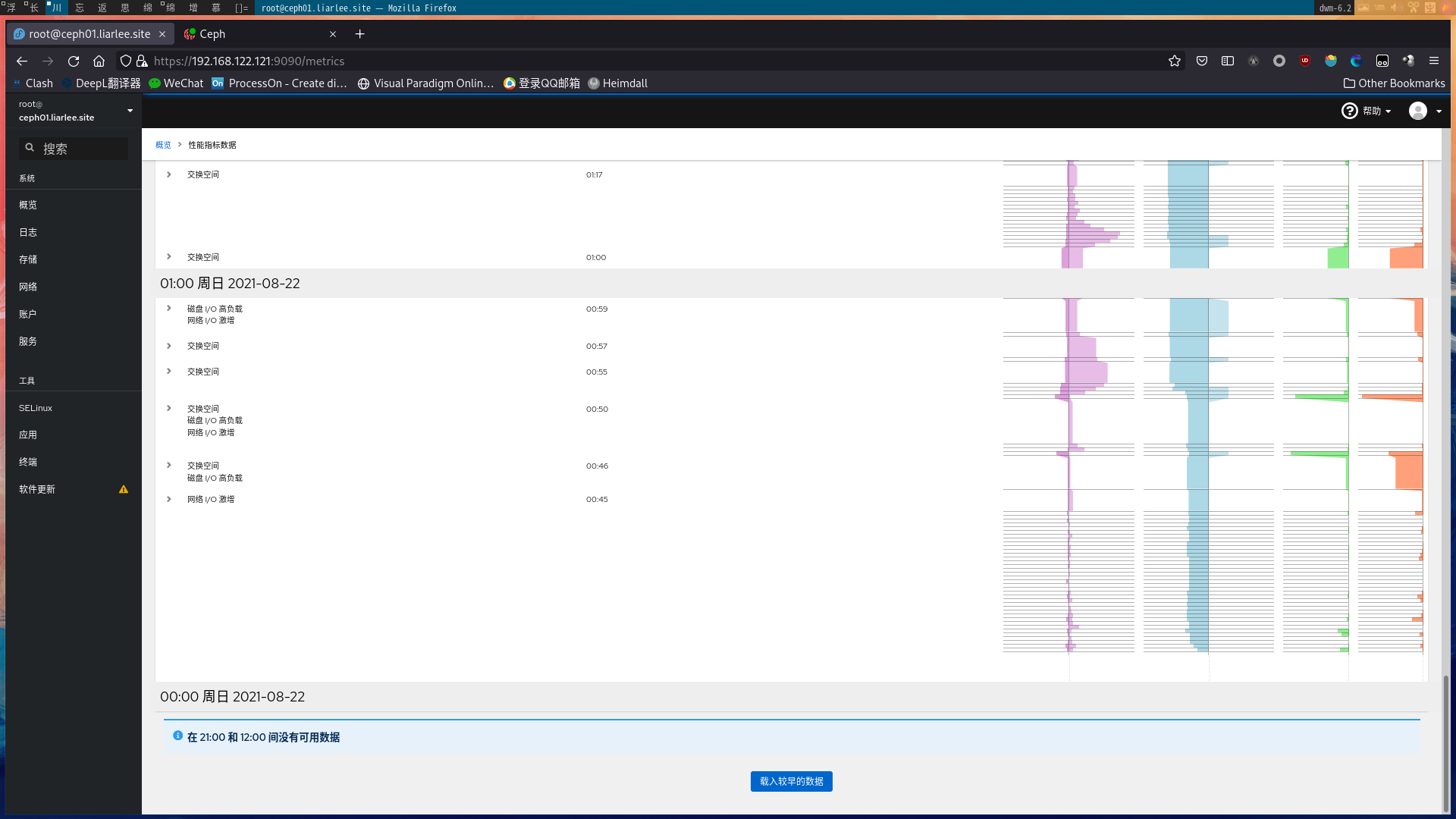
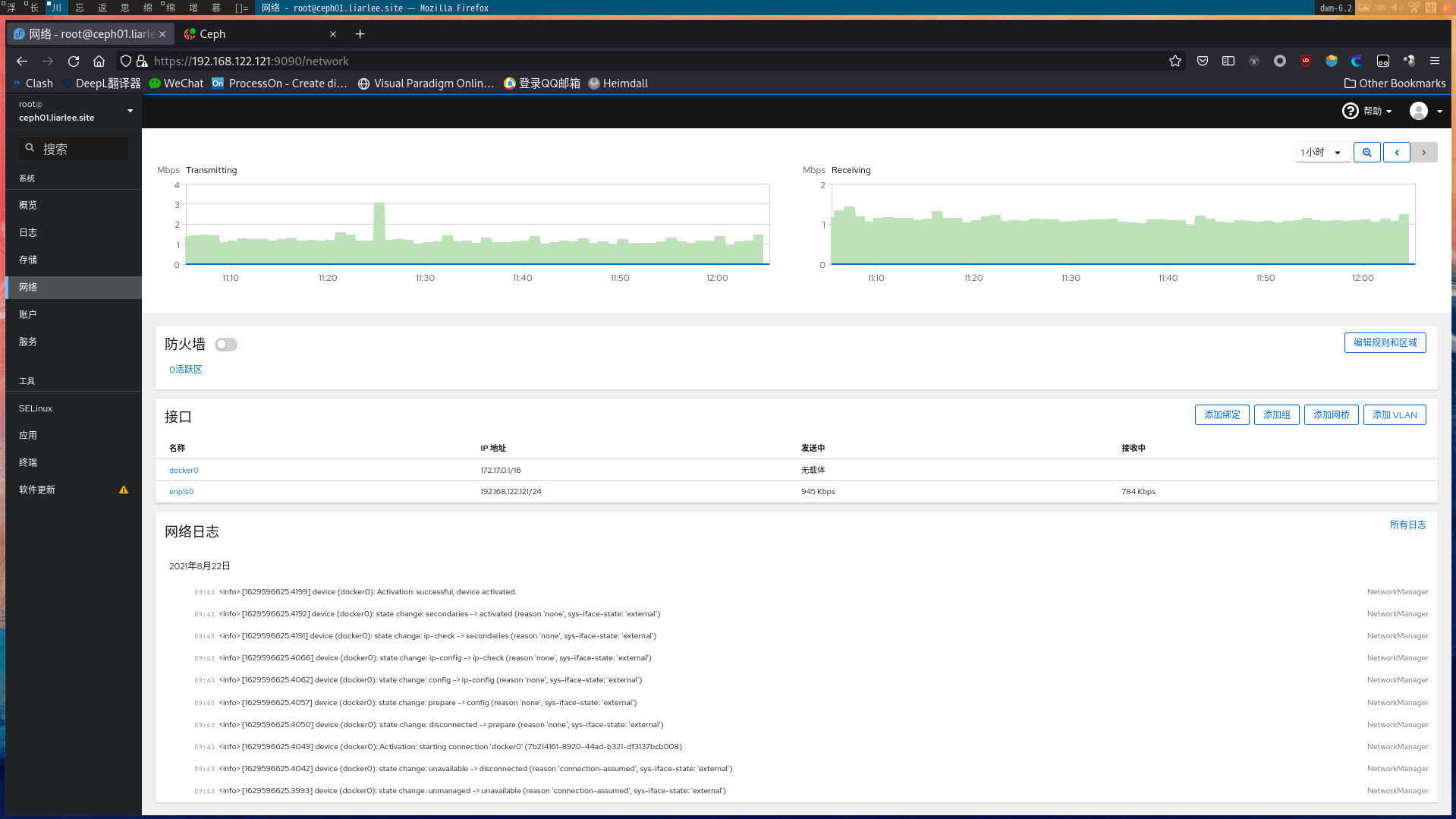
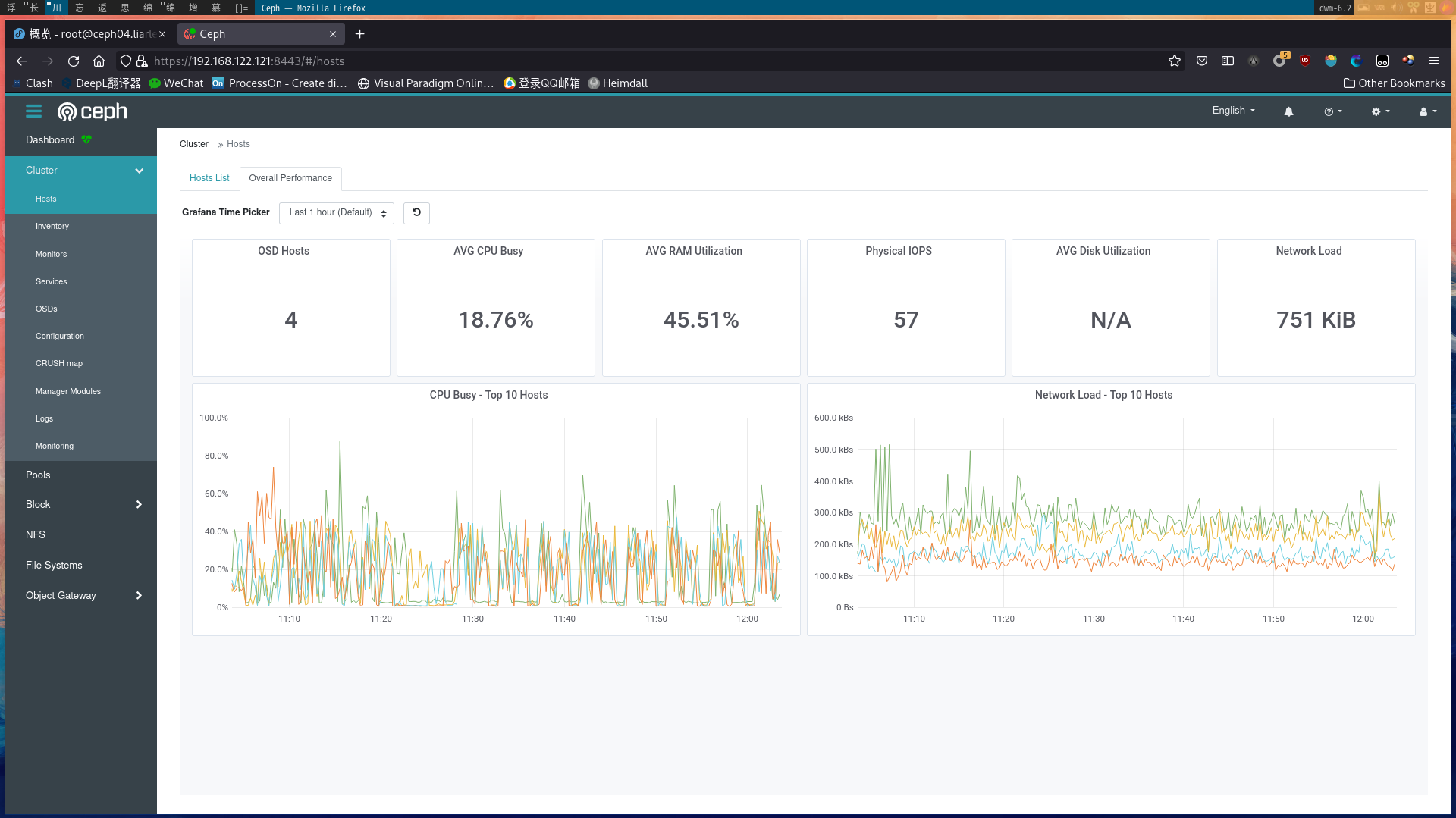
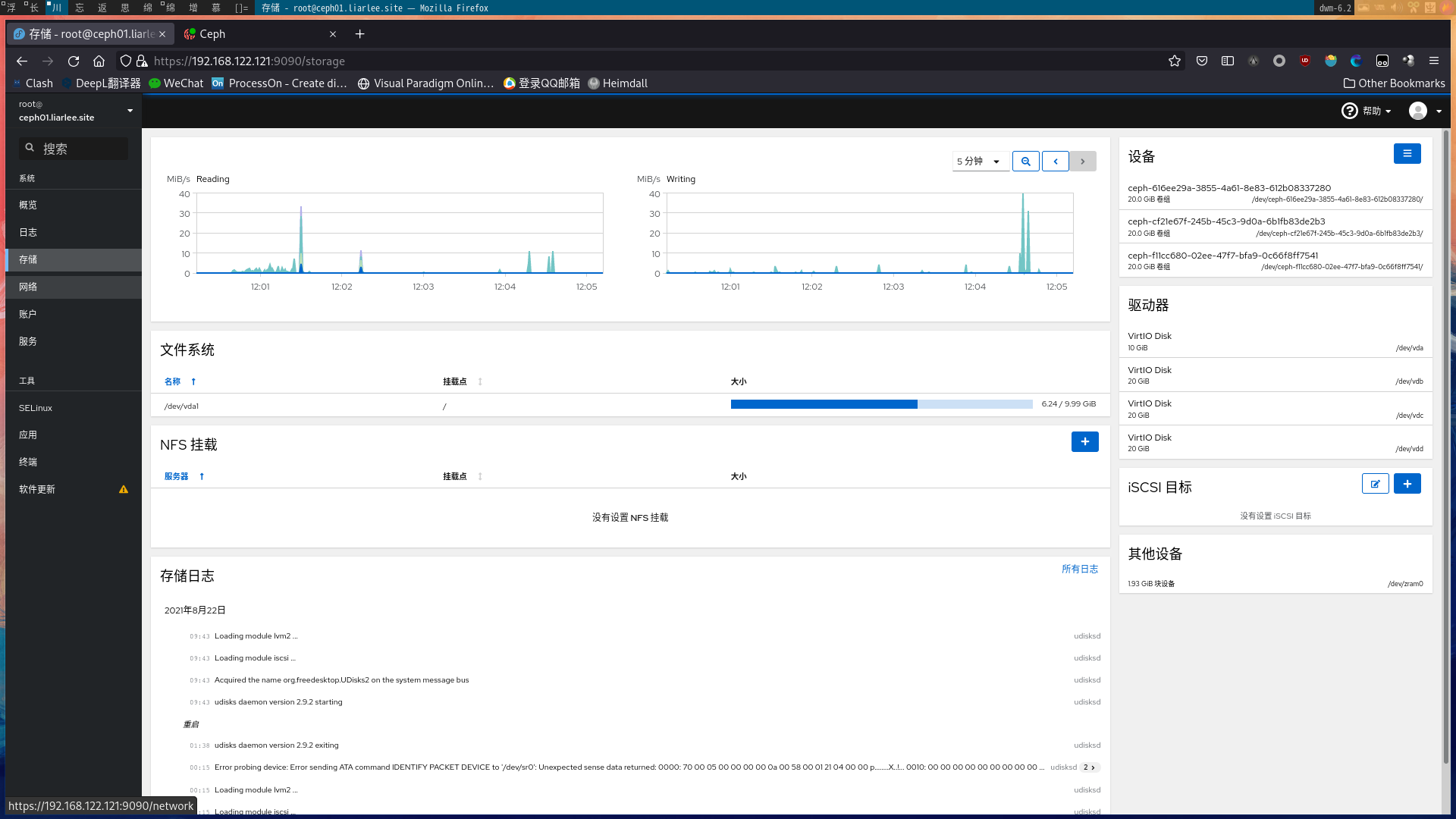
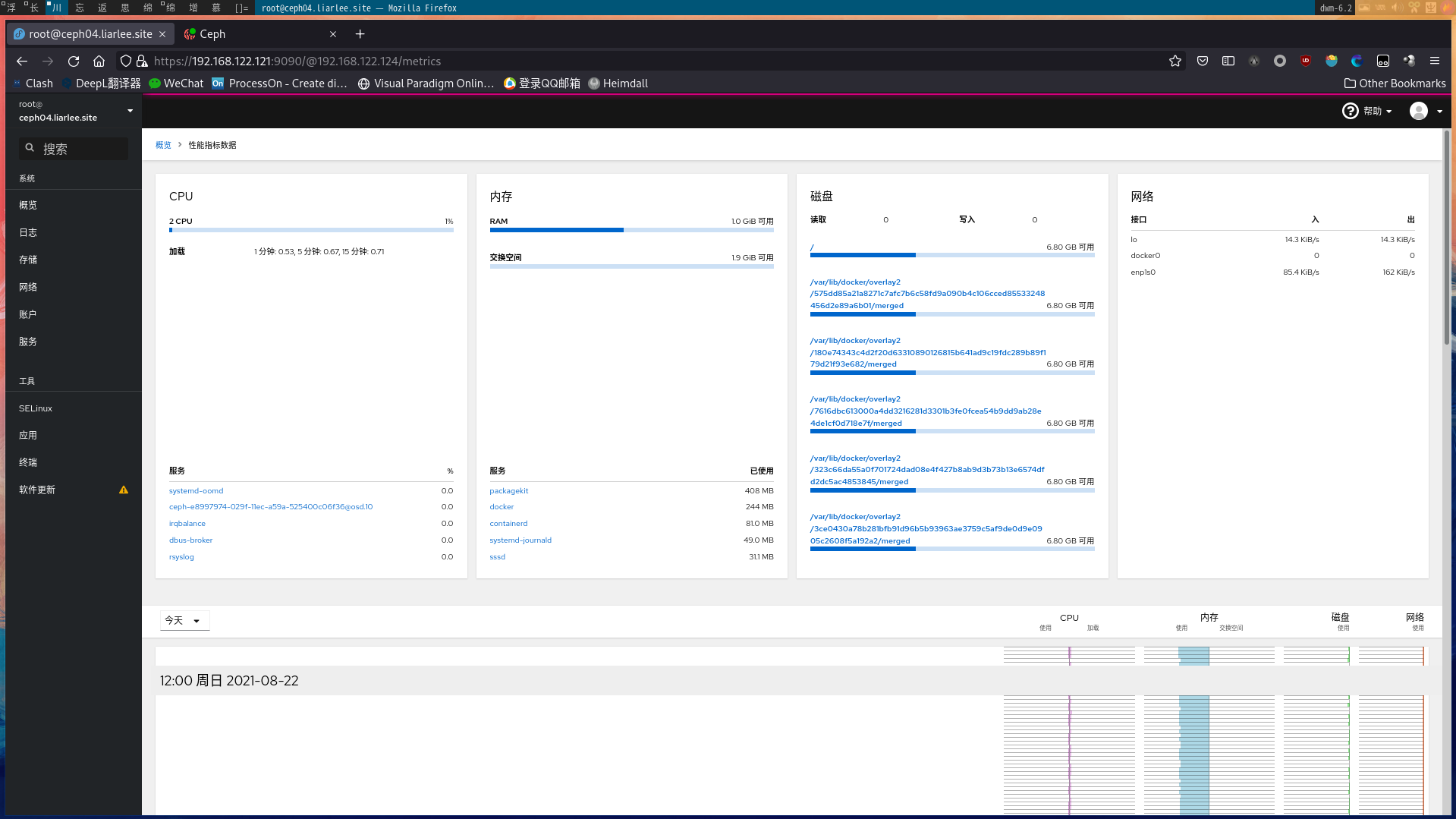
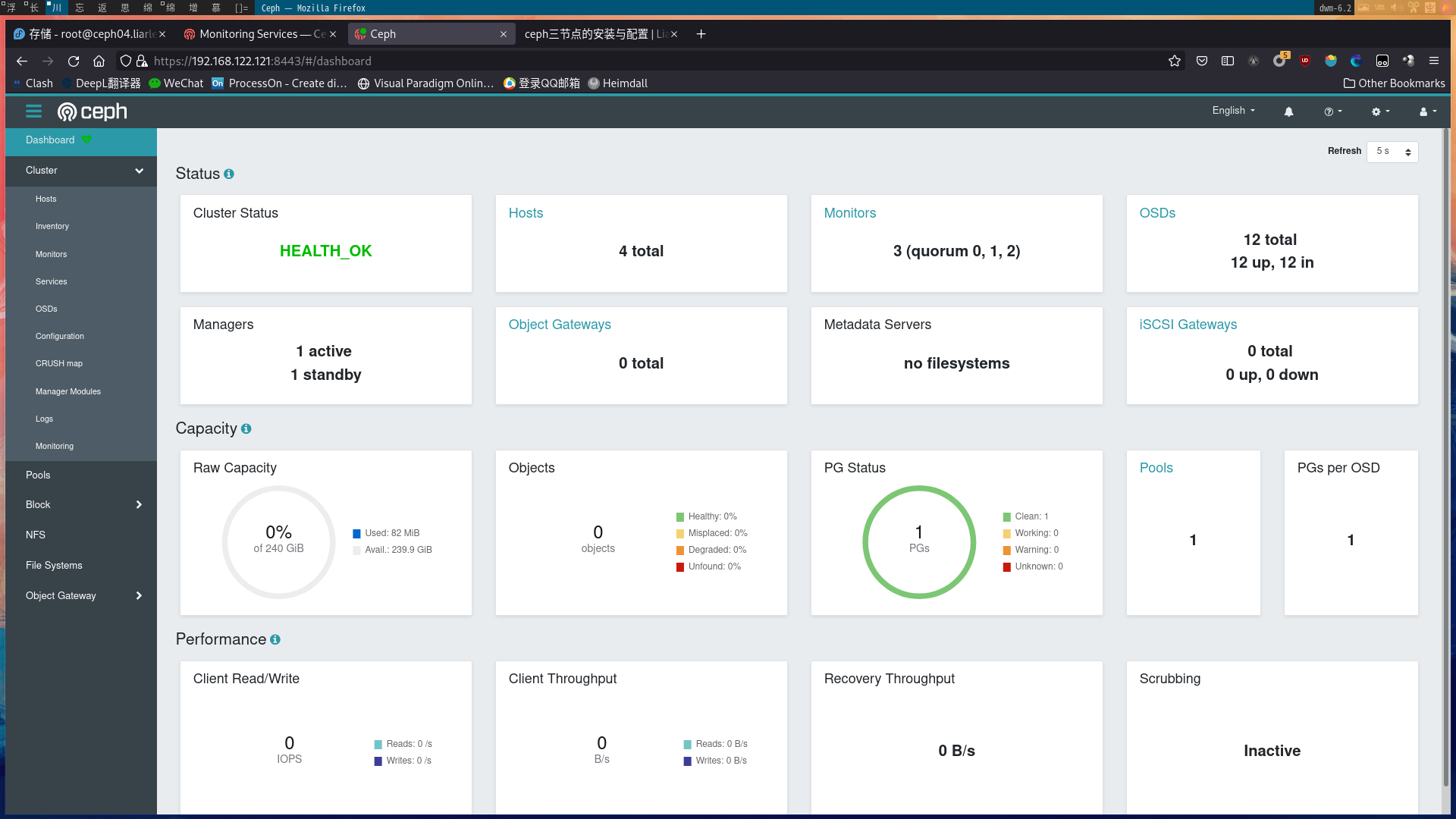
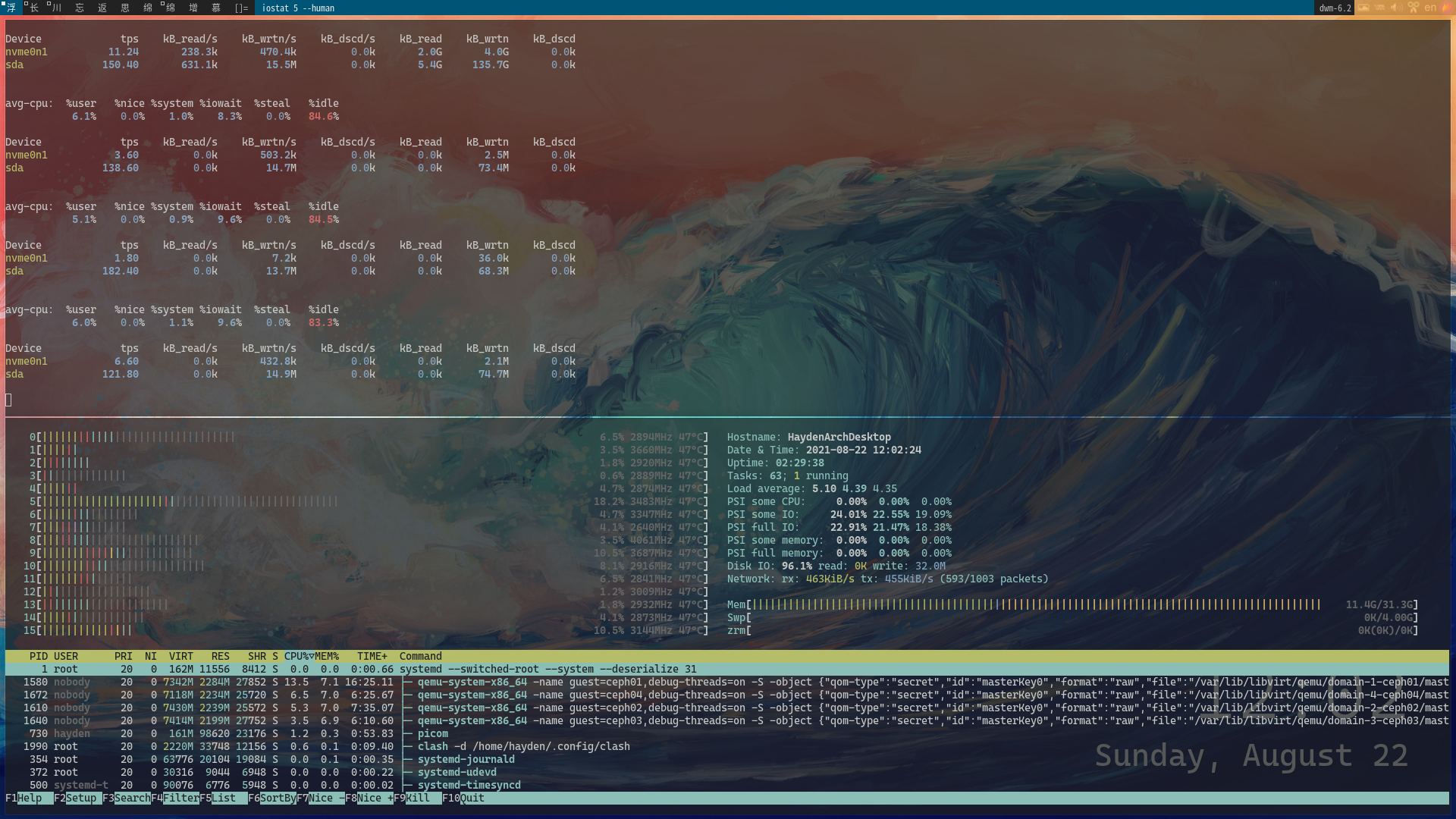
成果截图

2021-08-22_12-05_2.png
2021-08-22_12-05_1.png
2021-08-22_12-03.png
2021-08-22_12-05.png
2021-08-22_12-04.png
2021-08-22_12-02_1.png
2021-08-22_12-02.png